Creating a social media content calendar in just 30 minutes comes down to setting up a simple spreadsheet, defining three to four core content pillars, and mapping them into a repeatable weekly framework. By locking in your themes and bulk-brainstorming topics upfront, you eliminate the daily scramble of wondering what to post and prevent social media burnout.
Staring at a blank screen wondering what to post today is a fast track to social media burnout. When you post randomly, consistency drops, engagement dips, and your growth stalls.
The secret to a stress-free social media presence isn’t working harder—it’s having a system. Best of all, you don’t need hours of planning to build one. You can set up a high-performing social media content calendar in just 30 minutes.
Here is a step-by-step framework to map out your content fast and keep your channels active and engaging
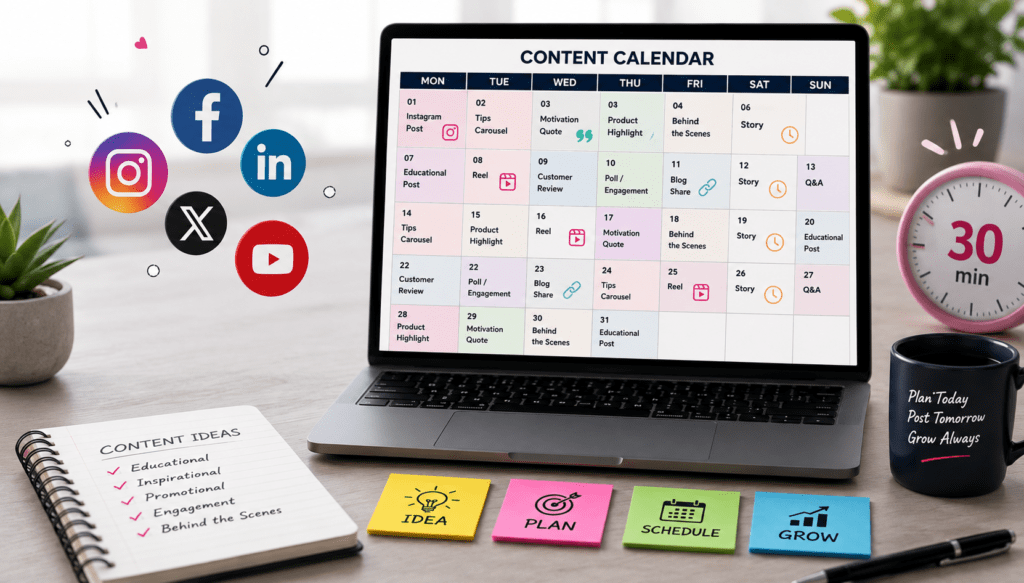
Minute 0-5: Choose Your Tool & Core Channels
Don’t overcomplicate your setup. You don’t need expensive software to get started.
The Tool: Open up Google Sheets, Excel, or Notion. Create a simple grid with columns for: Date, Day, Platform, Content Format (Reel, Carousel, etc.), Topic/Caption, and Call-to-Action (CTA).
The Channels: Pick no more than two primary platforms where your audience actually spends their time. Trying to conquer every platform at once in 30 minutes will stretch you too thin. Focus on where you can win.
Minute 5-15: Establish Your Content Pillars (Themes)
Random posting leads to confused audiences. Instead, organize your content around 3 to 4 core content pillars. These are the main buckets of value you share with your followers.
For example, a balanced mix might include:
Educational & Value-Driven: Tips, tutorials, or industry insights.
Social Proof & Authority: Case studies, client testimonials, or behind-the-scenes glimpses.
Engagement & Relatable: Polls, interactive questions, or industry hot takes.
Promotional: Direct highlights of your core products, services, or upcoming offers.
Minute 15-25: Map Out a Weekly Template
Instead of figuring out fresh content from scratch every single day, use a repeatable weekly framework. Assign a specific content pillar or format to each day of the week.
A plug-and-play weekly structure looks like this:
Monday: Industry insight or motivational mindset post
Wednesday: Deep-dive educational carousel or short video/reel
Friday: Customer success story, testimonial, or product highlight
Once you have this weekly rhythm down, simply stretch it across a 4-week grid. You are no longer wondering what to post—you are just slotting ideas into a pre-approved blueprint.
Minute 25-30: Brainstorm Quick Topic Ideas & Schedule
In your final 5 minutes, rapidly bullet-point 4 to 8 headline ideas under your pillars. Don’t write full captions yet; just capture the core hook or topic.
Once your ideas are populated in your sheet:
Identify key dates, upcoming brand launches, or seasonal events for the month.
Drop your topics into their respective dates.
Move your finalized plan into a batch-creation workflow or scheduling tool so it auto-publishes without daily micromanagement.
Stop Guessing, Start Systemizing
By spending just 30 minutes upfront organizing your pillars and framework, you trade daily panic for structured execution. A content calendar doesn’t just save you time—it gives your brand the consistency it needs to build real trust and authority online.